


22-03-2017, 12:58
Hi,
I managed to create a user screen with data get from my server via HTTP request an WIFI .
.
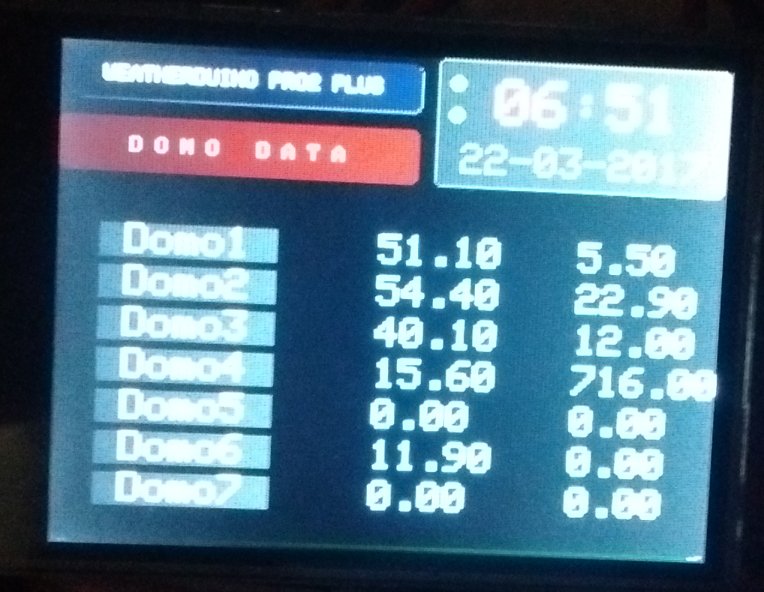
It was not easy to add a screen to the navigation code.
If an updtate has to be made with a new version of software i had to make all the changes again.
Is it possible in a future RX software update to have a user screen (empty) that can be activated and accessible via the normal screen navigation ?
So the more complicated part of code modification would already be done.
Change the code to display something on the user screen will not be too difficult.
Thanks
Laurent
I managed to create a user screen with data get from my server via HTTP request an WIFI
.It was not easy to add a screen to the navigation code.
If an updtate has to be made with a new version of software i had to make all the changes again.
Is it possible in a future RX software update to have a user screen (empty) that can be activated and accessible via the normal screen navigation ?
So the more complicated part of code modification would already be done.
Change the code to display something on the user screen will not be too difficult.
Thanks
Laurent


