


Next up we want to solder the header sockets to the PCB. Again we want to use a fine tip on the soldering iron and not too hot / excessive heat. If your solder joint is bubbling and popping as it sets this can be a sign that the heat is a little on the high side.
First step we need to cut down the DIL header strips to size. I use a sharp X-Acto knife and then sand and trim the cut end with some wet-and-dry emery paper.
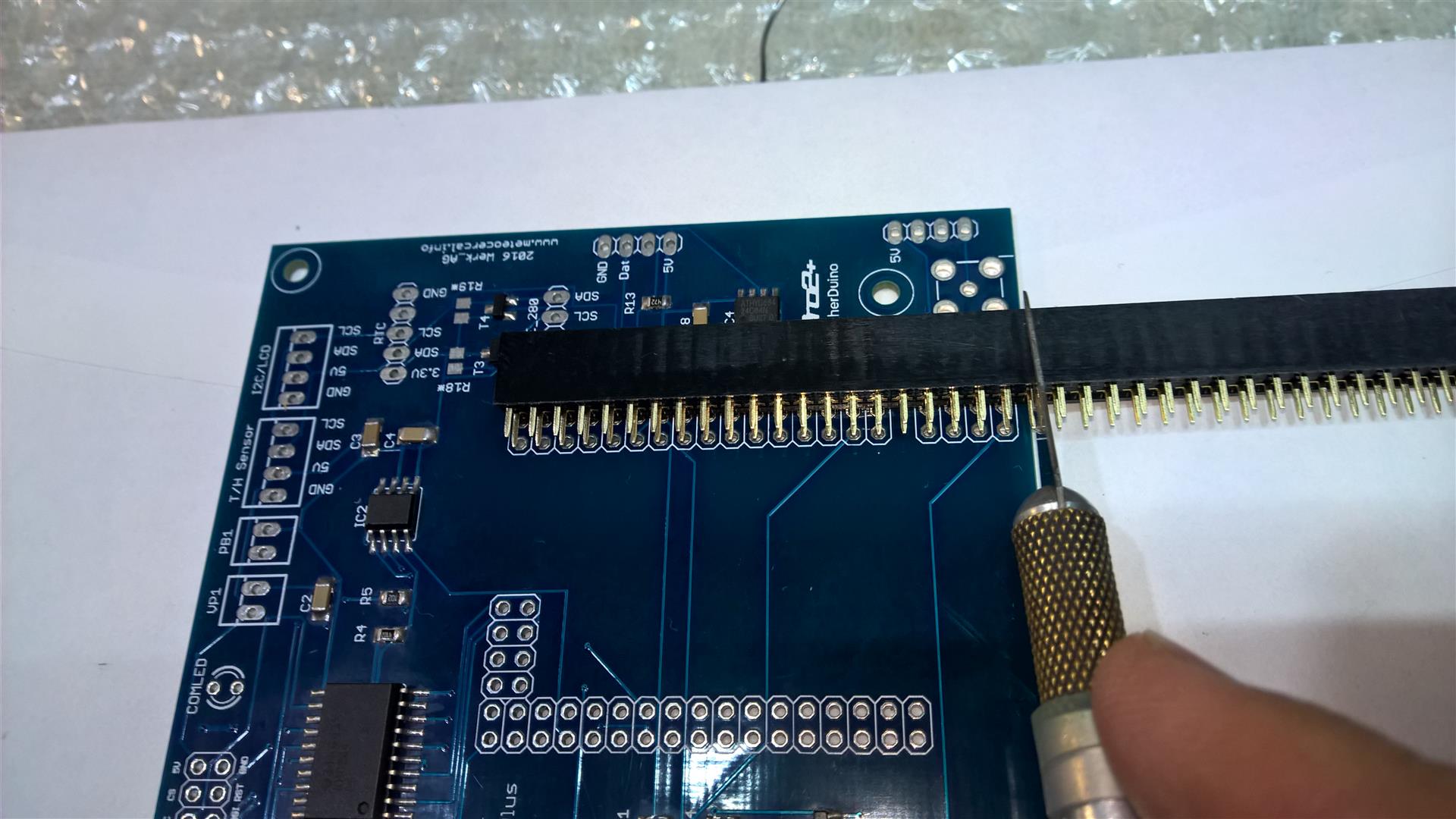
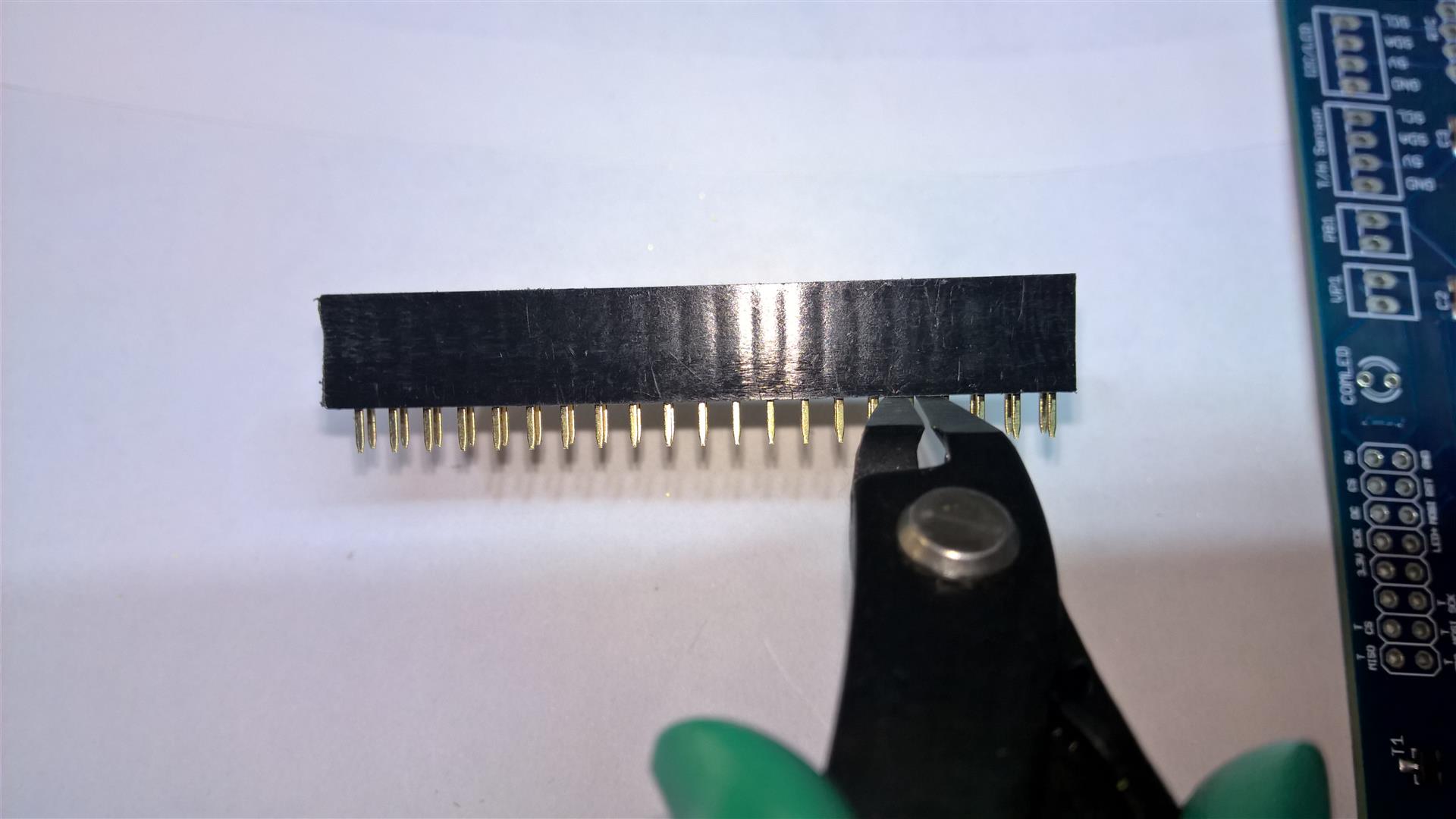
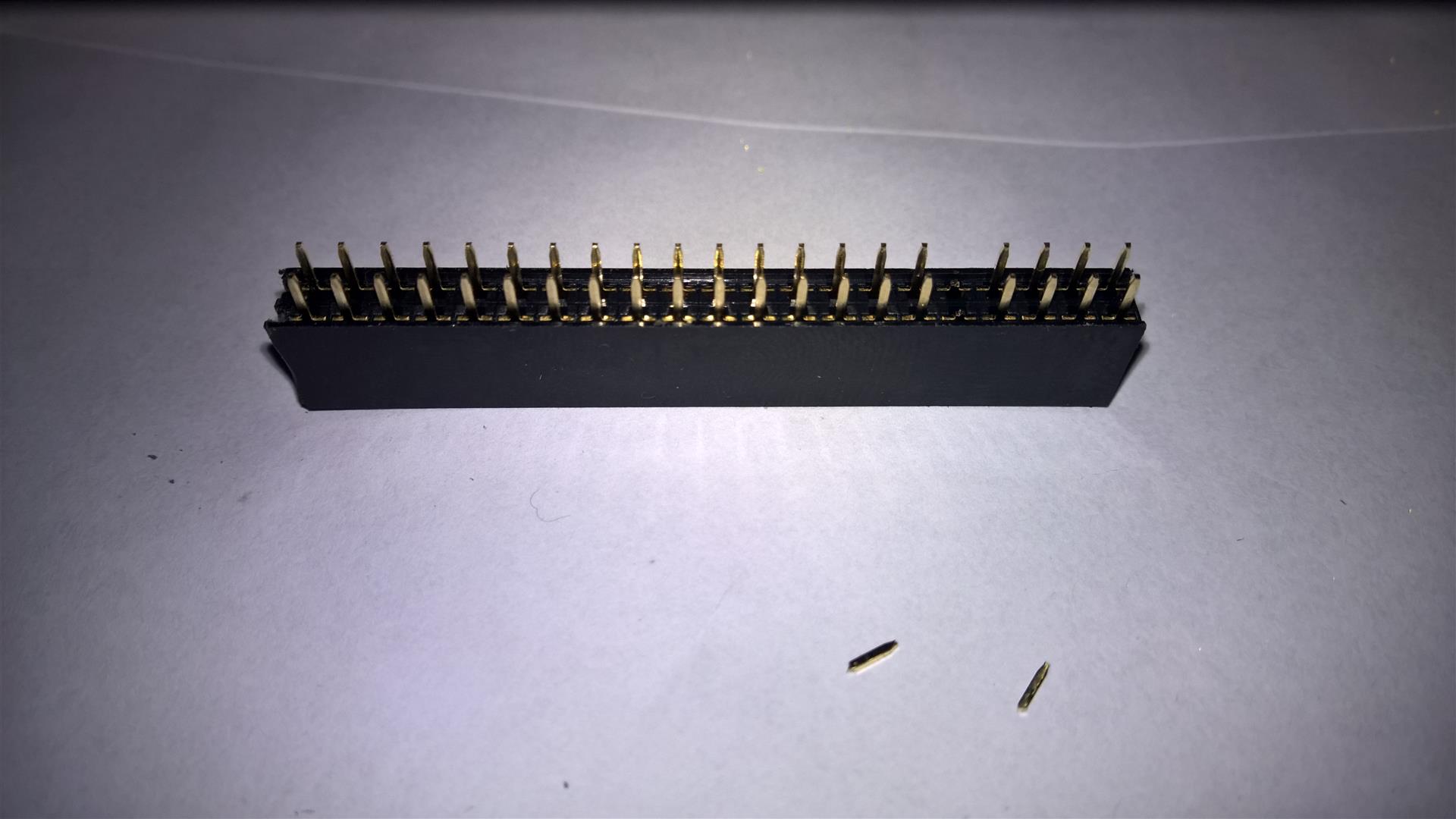
Once you have then trimmed to size, you will want to cut out the 'fifth' pin on one of the strips, so that it will fit onto the PCB. I think this is easier than cutting into two sections, but the choice is yours.
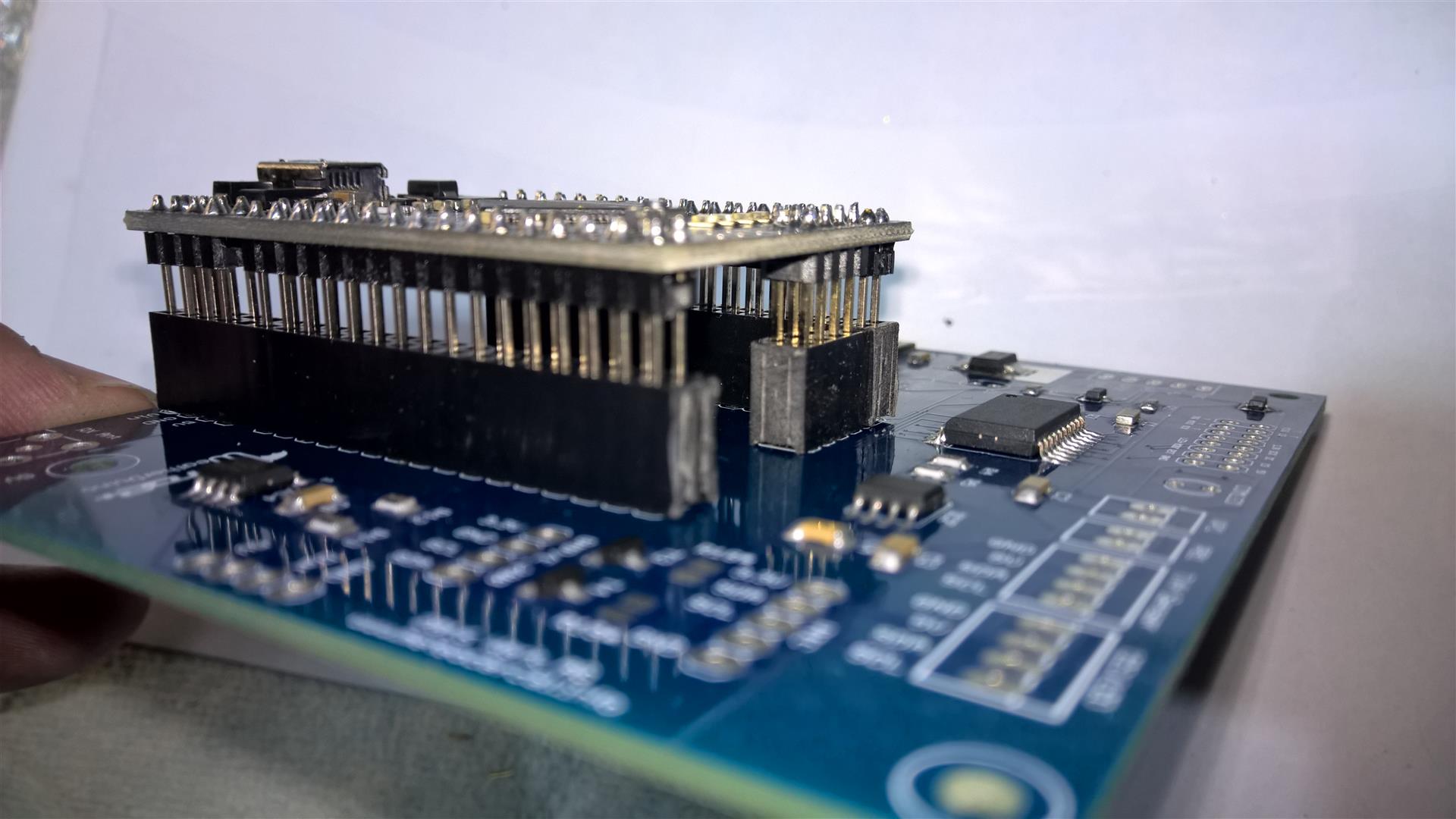
Now we need to insert the headers and make sure they don't move while we 'tack' the end pins into place. I lightly insert the processor module into the header sockets and this will both align the headers and hold them into place. As we did when soldering the headrers onto the processor, solder the two opposite end pins of each header socket to hold it in place. Then remove the processor module and proceed to solder the alternate pins of the header sockets as outlined above.
First step we need to cut down the DIL header strips to size. I use a sharp X-Acto knife and then sand and trim the cut end with some wet-and-dry emery paper.
Once you have then trimmed to size, you will want to cut out the 'fifth' pin on one of the strips, so that it will fit onto the PCB. I think this is easier than cutting into two sections, but the choice is yours.
Now we need to insert the headers and make sure they don't move while we 'tack' the end pins into place. I lightly insert the processor module into the header sockets and this will both align the headers and hold them into place. As we did when soldering the headrers onto the processor, solder the two opposite end pins of each header socket to hold it in place. Then remove the processor module and proceed to solder the alternate pins of the header sockets as outlined above.