


That's great news zitoune, and thank you for sharing your experiences with us. Re your timezone setting, if you already have a script/process to do this for you, maybe you can add it into the CRON scheduler in the Pi and have it preformed automatically upon reboot. Here's a quick reference re the CRON scheduler and editing tasks with CRONTAB:
refer here -> https://www.raspberrypi.org/documentatio...ge/cron.md
Also, you can set your timezone (systemwide) in the rc.conf file. Open /etc/rc.conf in your favorite editor (e.g. type in your console: sudo nano /etc/rc.conf). In this file find the line:
TIMEZONE="Europe/London"
and replace "Europe/London" with your timezone. Maybe that can help you as well.
I too have a Pi3 running CumulusMX and uploading every few minutes to WeatherUnderground. Its a really nice solution. I installed a Voltage Buck Module in my RX station to reduce the voltage down to 5.1V and this runs my Pi3, with battery backup (inside the RX station). A true stand-alone RX and Upload solution.
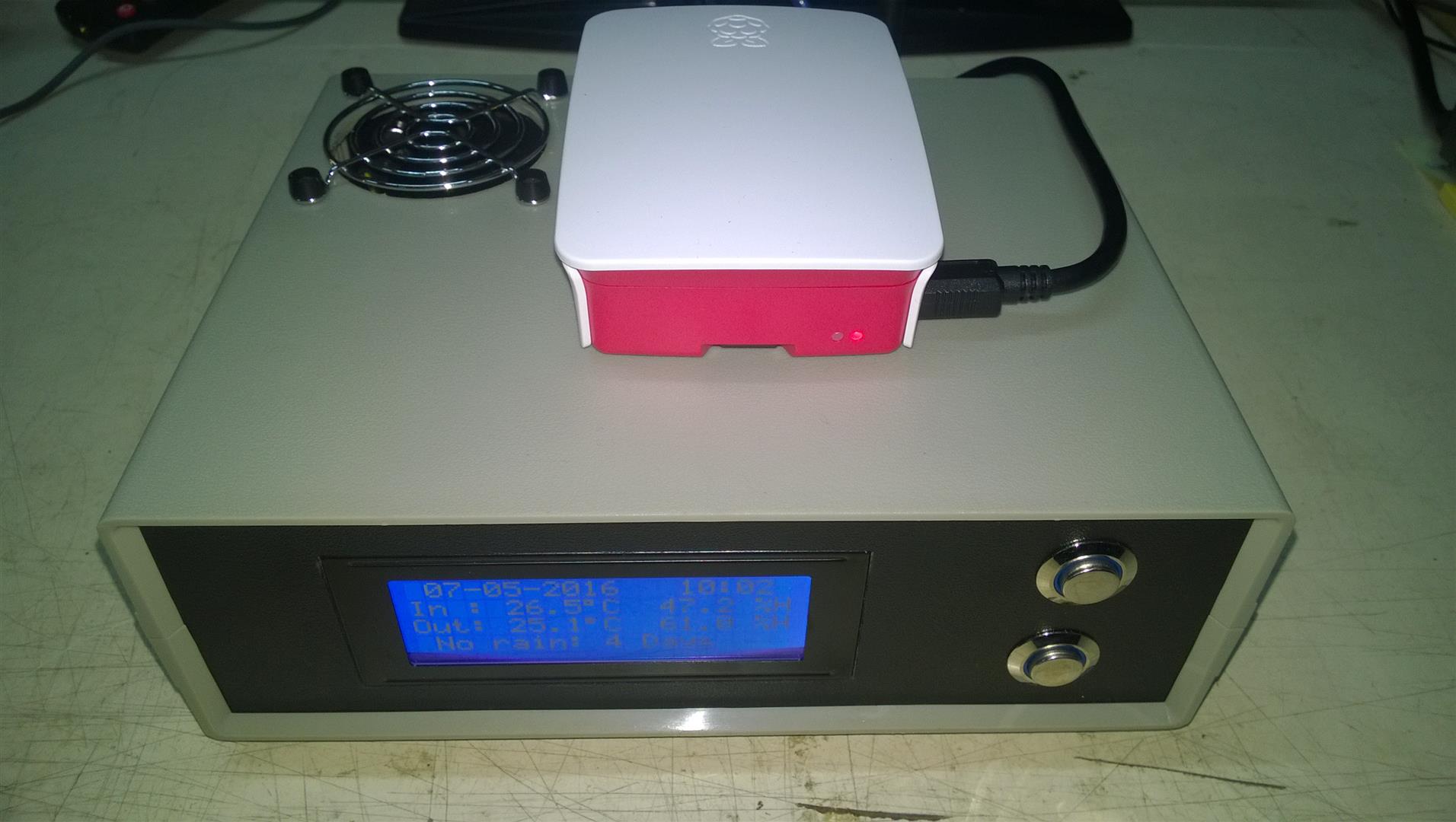
{click photo to enlarge}
Lets know how you get on re automating your timezone setup.
Mark R
refer here -> https://www.raspberrypi.org/documentatio...ge/cron.md
Also, you can set your timezone (systemwide) in the rc.conf file. Open /etc/rc.conf in your favorite editor (e.g. type in your console: sudo nano /etc/rc.conf). In this file find the line:
TIMEZONE="Europe/London"
and replace "Europe/London" with your timezone. Maybe that can help you as well.
I too have a Pi3 running CumulusMX and uploading every few minutes to WeatherUnderground. Its a really nice solution. I installed a Voltage Buck Module in my RX station to reduce the voltage down to 5.1V and this runs my Pi3, with battery backup (inside the RX station). A true stand-alone RX and Upload solution.
{click photo to enlarge}
Lets know how you get on re automating your timezone setup.
Mark R