


The Wireless Display
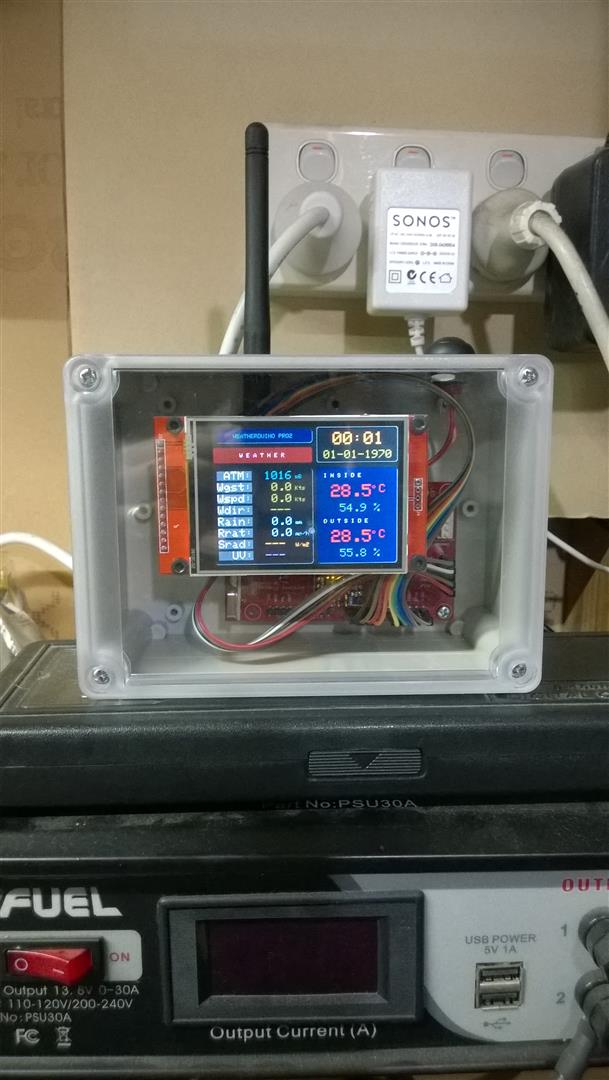
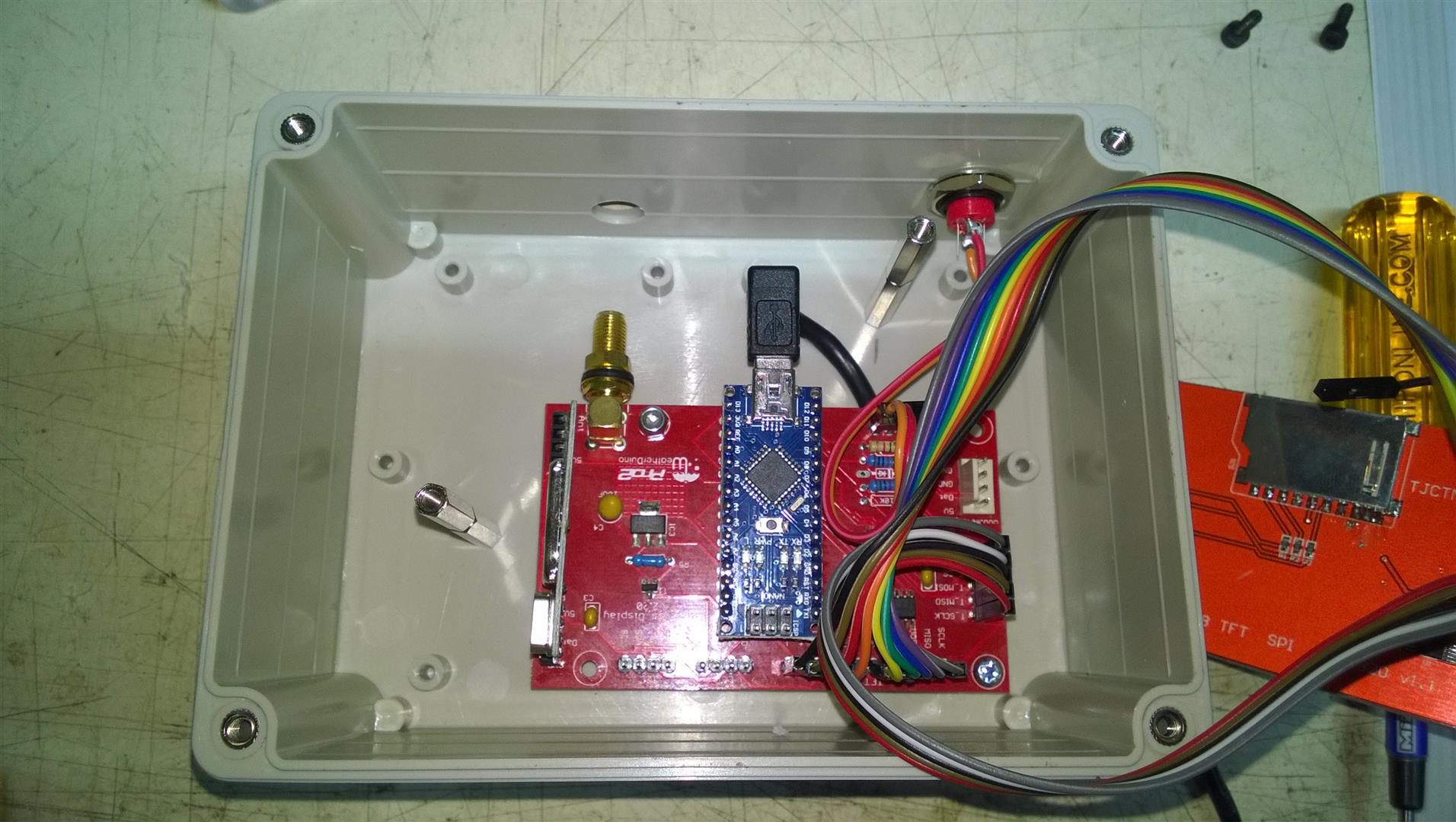
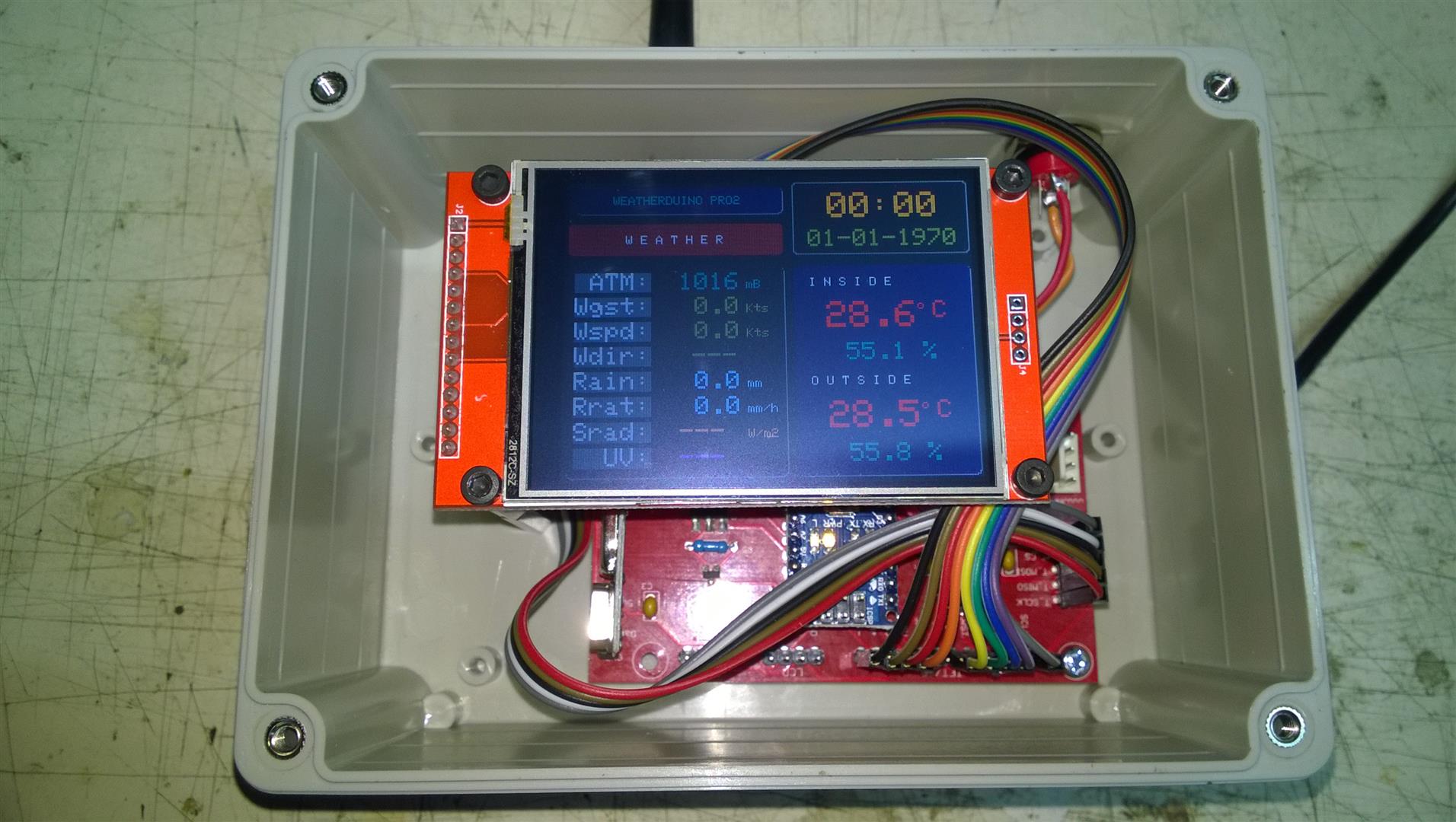
Over the last couple of nights I finished off my first wireless display. Mounted the PCB and the LCD display into an IP-rated enclosure with a transparent cover. I figured that since this first wireless display was going in my workshop, it seemed fitting to see the inner workings. I mounted the LCD display on some metal PCB standoffs, and simply drilled a hole in the top of the enclosure for the antenna.
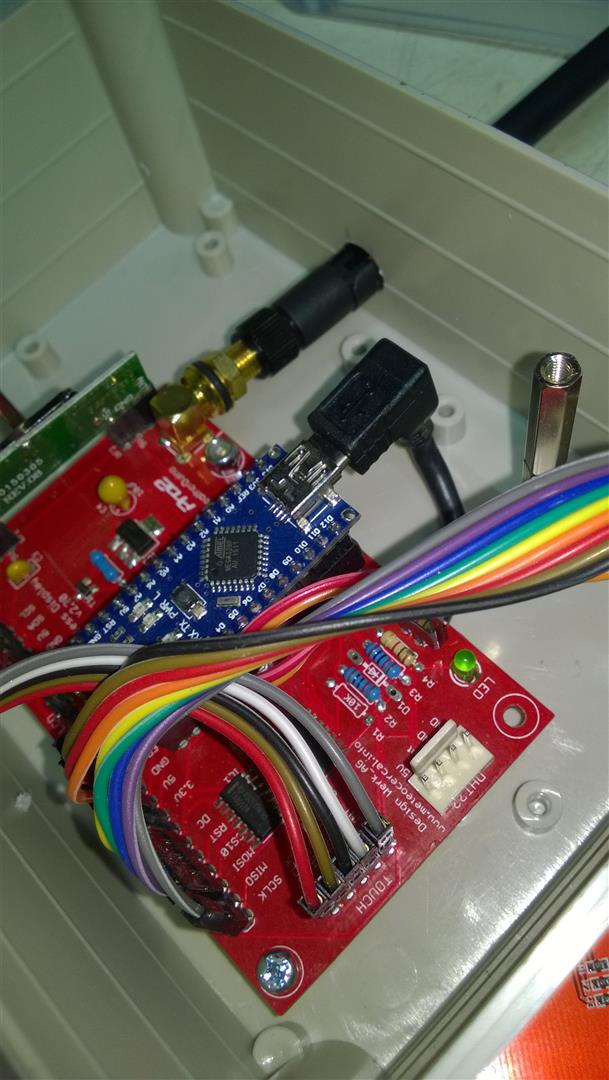
I had to figure a way to connect the USB lead and exit the enclosure. I didn't really want it exiting from the top, so I used one of the Mikado "right-angle" USB leads, which allowed the cable to curl around the exit out of the rear. A grommet pushed tightly into an appropriately sized hole makes an exit point for the USB lead.
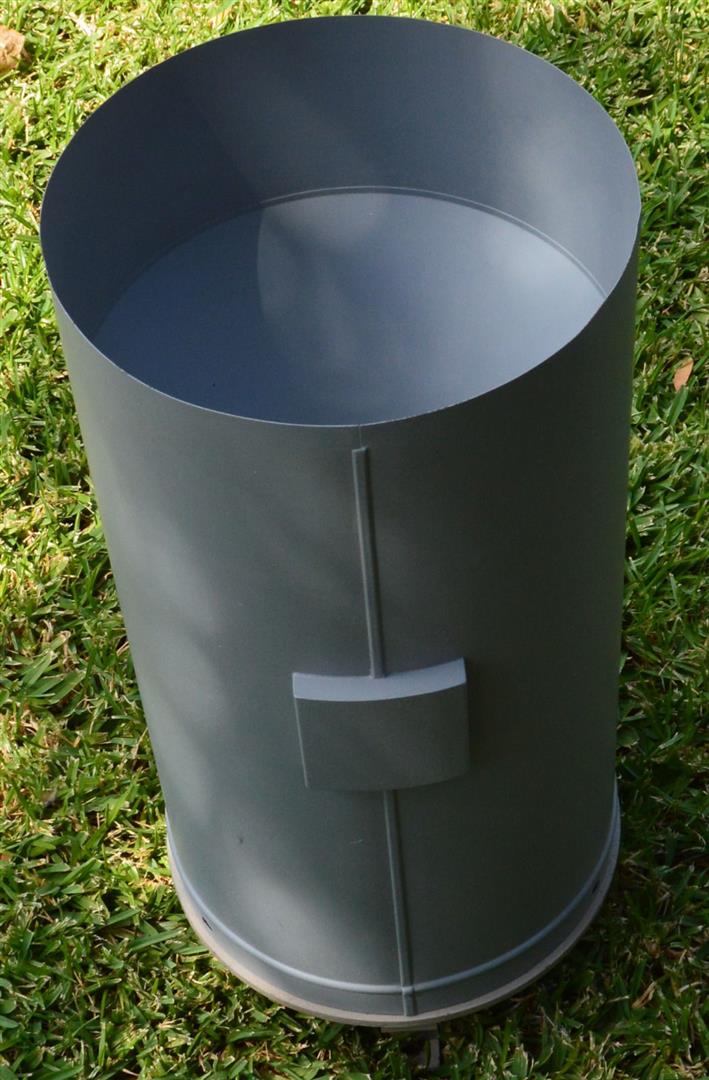
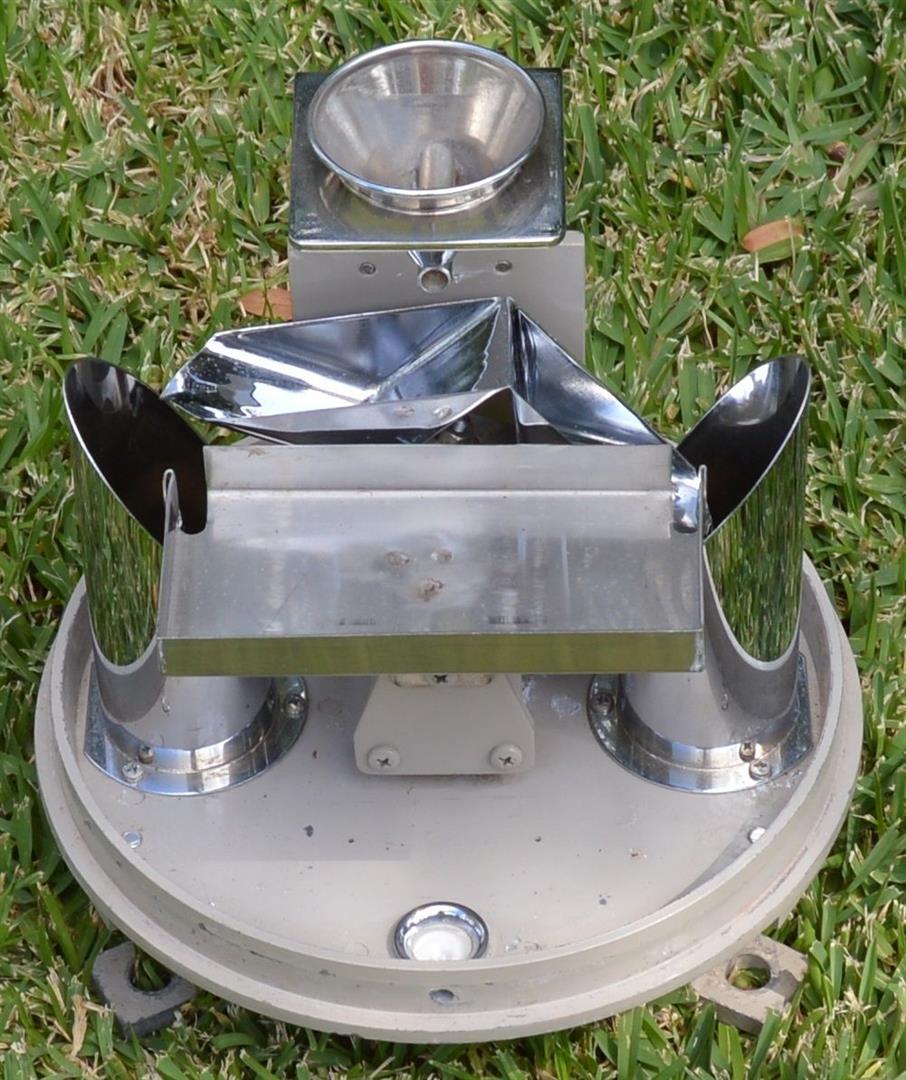
Managed to find a nice rain gauge in good condition, thanks to JT, and have it on the way.
Over the last couple of nights I finished off my first wireless display. Mounted the PCB and the LCD display into an IP-rated enclosure with a transparent cover. I figured that since this first wireless display was going in my workshop, it seemed fitting to see the inner workings. I mounted the LCD display on some metal PCB standoffs, and simply drilled a hole in the top of the enclosure for the antenna.
I had to figure a way to connect the USB lead and exit the enclosure. I didn't really want it exiting from the top, so I used one of the Mikado "right-angle" USB leads, which allowed the cable to curl around the exit out of the rear. A grommet pushed tightly into an appropriately sized hole makes an exit point for the USB lead.
Managed to find a nice rain gauge in good condition, thanks to JT, and have it on the way.